
Visme AI Review: Can It Create Professional Investor Pitch Decks?
Last Updated • 16 November 2026
Creating a professional pitch deck requires more than putting text and images onto slides. A good presentation needs a clear narrative, consistent visual identity, strong typography, and carefully structured layouts.
In this episode of Al Developer Lab by Coding Professors, I explored
Vesma AI
to see how well it could create a presentation and pitch deck from a plain English prompt.
For this experiment, I used a fictional Gen Z streetwear brand called Vice District, inspired by the GTA series. The goal was to create an investor-focused pitch deck with a defined visual identity and presentation structure.
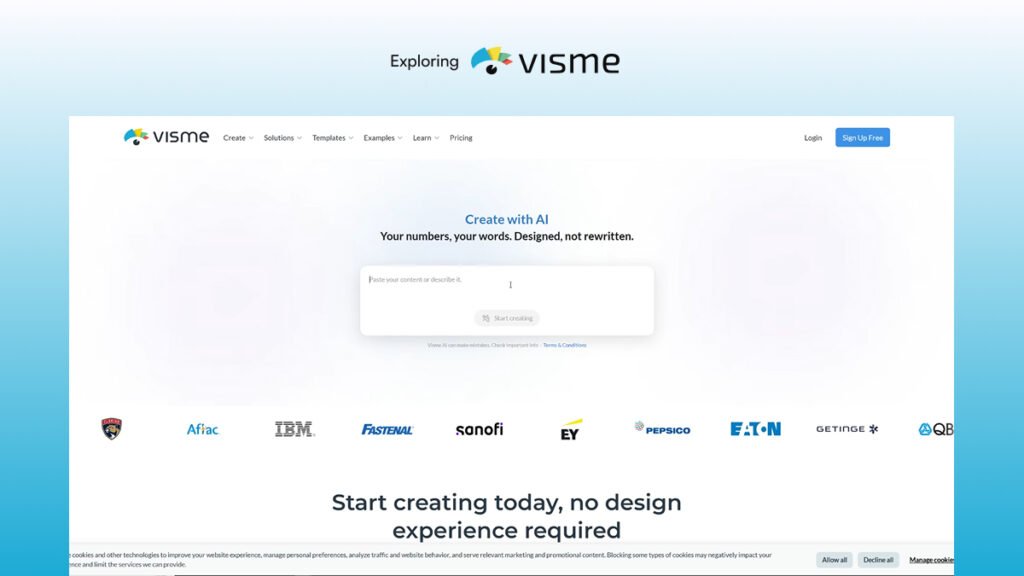
Getting Started with Visme AI
Visme is a visual content creation platform focused on presentations, documents, infographics, and other business communication materials.
The AI presentation workflow was straightforward. After signing in, I entered my prompt and configured the presentation settings.
The available options included:
- Choosing the presentation length.
- Selecting a visual style.
- Defining the presentation type.
- Specifying the target audience.
- Describing the desired look and feel.
For this experiment, I selected a minimal visual style and chose an investor-focused presentation. I also provided detailed instructions covering the brand identity, visual direction, and individual slide requirements.
Visme then processed the prompt and generated an outline for review before moving on to the actual design.
AI-Generated Presentation Outline
One useful part of the workflow was the ability to review the presentation outline before generating the slides.
The outline contained 12 slides, with a closing slide designed to complete the narrative. This gave me an opportunity to review the presentation structure and request changes before committing to the design generation.
I proceeded with the generated outline and selected the design option, which displayed a cost of three AI credits.
This separation between outline creation and visual generation is useful because it gives users a chance to review the story before producing the final presentation.
Presentation Design Quality
The generated presentation followed the overall visual identity and design direction of the prompt. However, the final visual quality was not as strong as I expected for a professional investor pitch deck.
There were several noticeable issues:
1. Inconsistent typography
Some headings and body text had inconsistent sizes. Line spacing also felt uneven across multiple slides, affecting the overall presentation hierarchy.
2. Text alignment and layout problems
Certain text elements were not positioned cleanly. On some slides, text extended beyond the page boundaries or overlapped other content.
3. Basic visual composition
Several slides relied heavily on simple backgrounds, text, lines, and images. The layouts felt relatively plain rather than creatively designed for a premium business presentation.
4. Infographic quality
The infographic slides included headings and visual elements, but their spacing and alignment needed improvement. The text hierarchy was not consistently maintained.
On the positive side, Visme did follow the requested design identity and included relevant content and visual elements. For basic presentations, the generated result could provide a useful starting point.
However, I would not consider the output ready for a high-end investor audience without manual design improvements.
Editing, Collaboration, and Presentation Options
After generating the slides, I explored Visme's editor and additional presentation features.
The platform allowed me to open the design in its editor, share it with others, invite collaborators, and present directly.
These features make it possible to continue working on a generated presentation instead of treating the initial AI output as the final result.
Visme Export Options and Free Plan Limitations
I also checked the available download options.
During my test, Visme offered several export formats. A PPTX download was available on the free plan, while access to an editable version required upgrading.
The platform also displayed options for downloading HTML5, video, and PDF/document formats without upgrading during this experiment.
This distinction matters if you plan to continue editing your presentation in another application. Make sure to check the exact export and editing restrictions associated with your selected plan.
Final Verdict: Is Visme AI Worth Trying?
My verdict: Good for basic presentations, but not my first choice for premium investor pitch decks.
Visme provides a simple AI presentation workflow. You can describe your idea, configure the presentation style and audience, review an outline, and generate slides.
Its ability to follow the requested brand identity and produce a structured presentation is useful. The editing, collaboration, and export options also add value.
However, the design generated in this experiment had noticeable problems with typography, spacing, alignment, and visual composition. For a professional investor presentation, these details matter.
I would recommend Visme as a starting point for basic presentations, internal documents, and early pitch deck drafts. But if your priority is a polished, high-end corporate presentation, expect to spend additional time refining the design.
Tested by Coding Professors — AI Developer Lab.

About the Author
Abdul Rehman — Co-Founder & Technical Director, Coding Professors
Abdul Rehman is a web designer and engineer with 3+ years of experience in high-end web design and development. As Co-Founder of Coding Professors, he focuses on making technology careers more accessible through practical guidance, mentorship, and industry-focused resources.